
Professional Image Masking Service — Hair, Fur & Layer Masking
Expert image masking for hair, fur, and complex edges. Our masking service delivers clean, natural cutouts for fashion, portraits, and product photos.
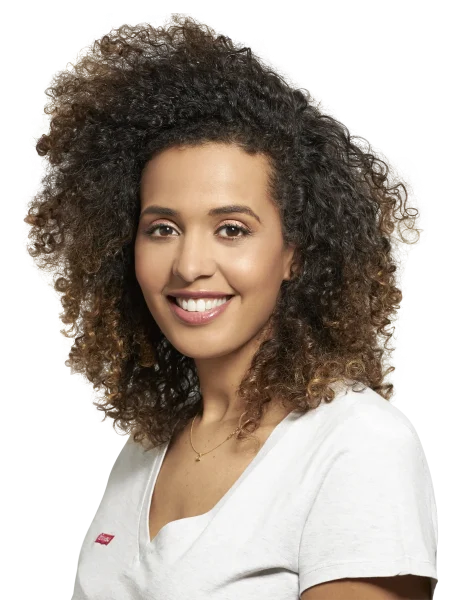
Fast
Time Delivery
3 Steps
Quality Control
250+
Image Per Day Delivery
24/7/365
Customer Support
Professional Image Masking Service — Hair Masking, Fur Masking & Layer Masking
Graphics Anywhere specializes in advanced image masking for complex subjects that clipping paths cannot handle alone. Whether it is flyaway hair, soft fur, delicate fabric, or translucent edges — our expert Photoshop team extracts subjects with natural, clean results that hold up in print and on screen.
We Offer Different Types of Image Masking Services
Hair and Fur Extraction
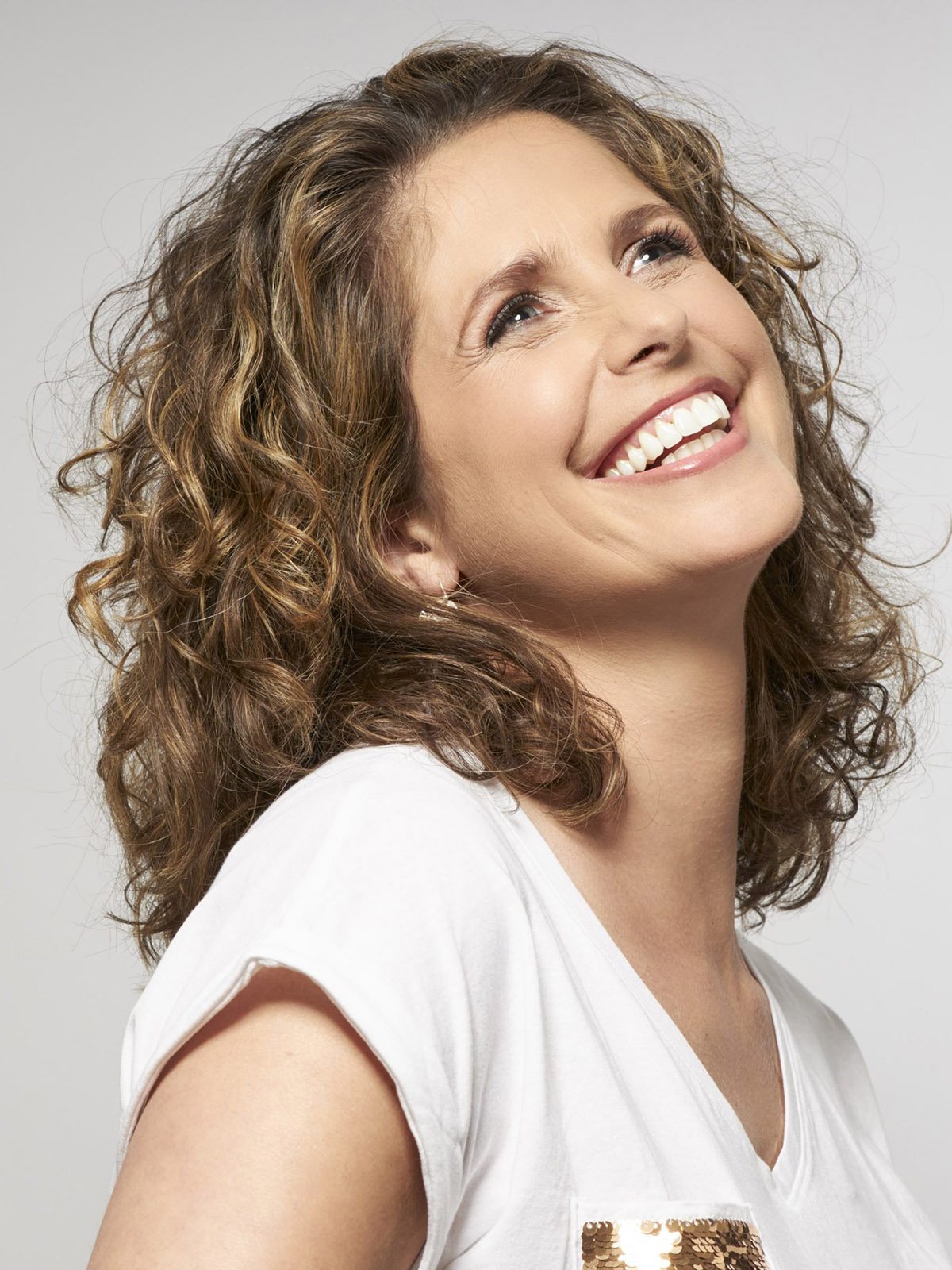
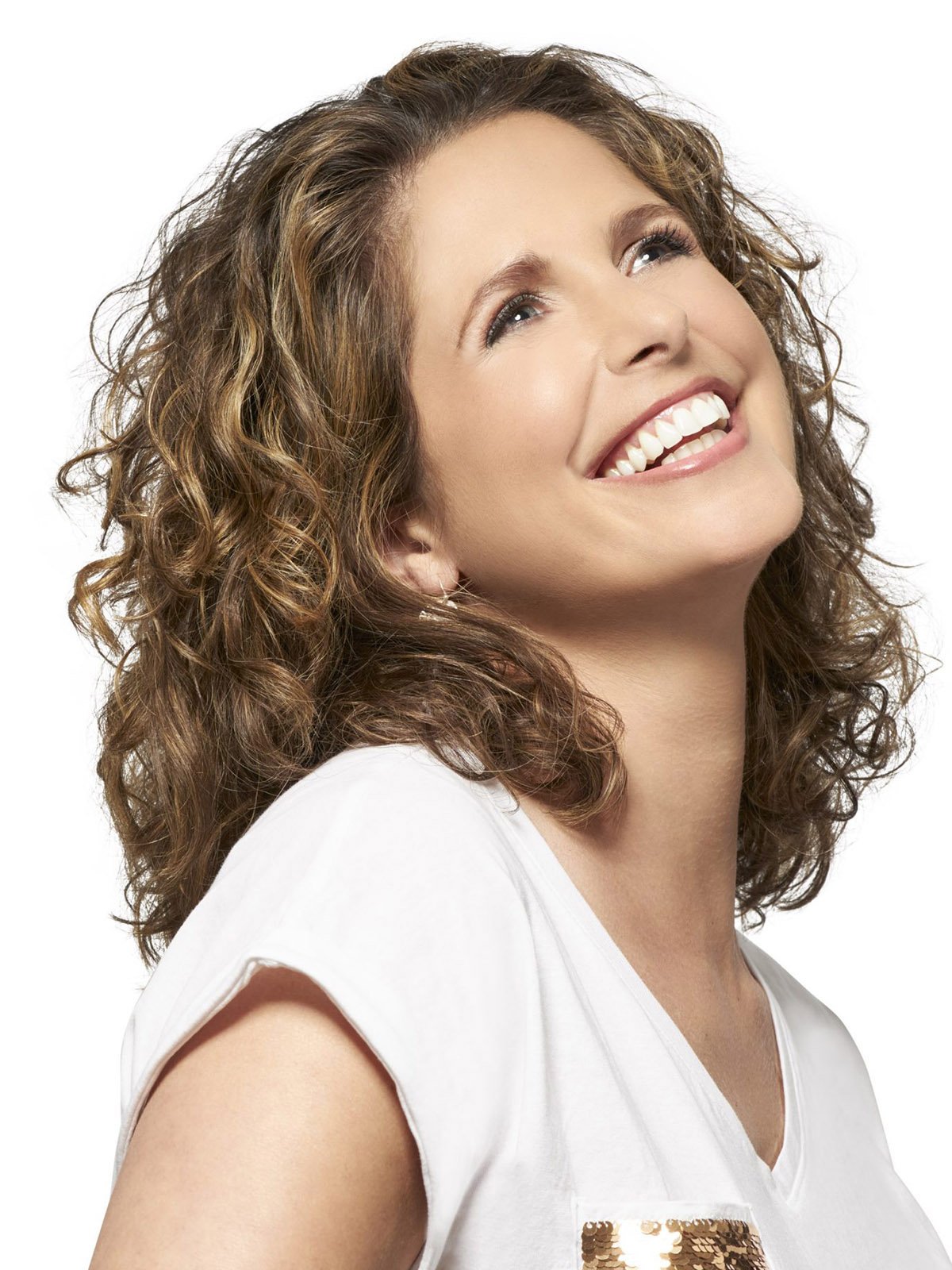
Nothing is more difficult than strands of hair or soft animal fur. Our specialists use advanced refine-edge tools to manually trace and extract these soft elements. We guarantee a natural look that preserves the volume and texture of the hair, preventing that “pasted-on” look often seen in lower-quality edits.
Transparent Object Masking
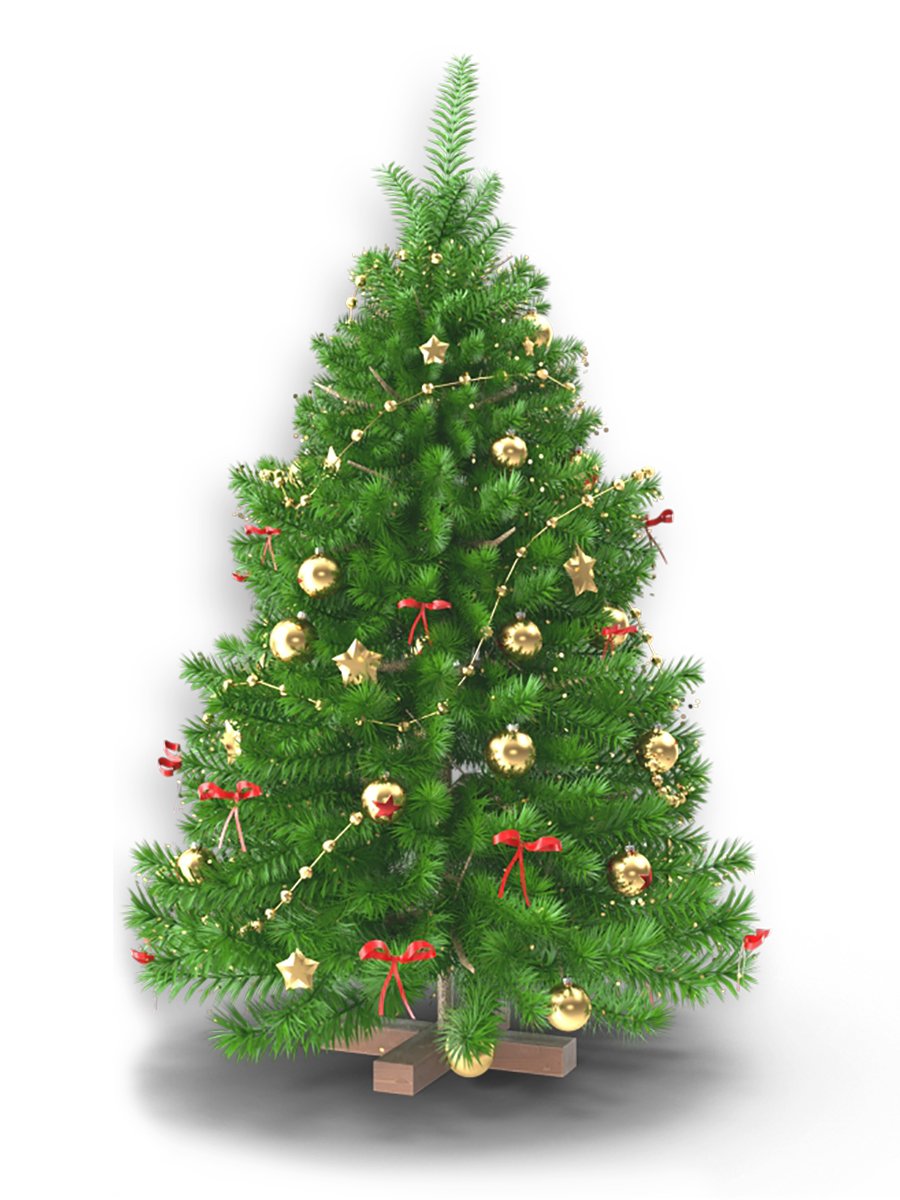
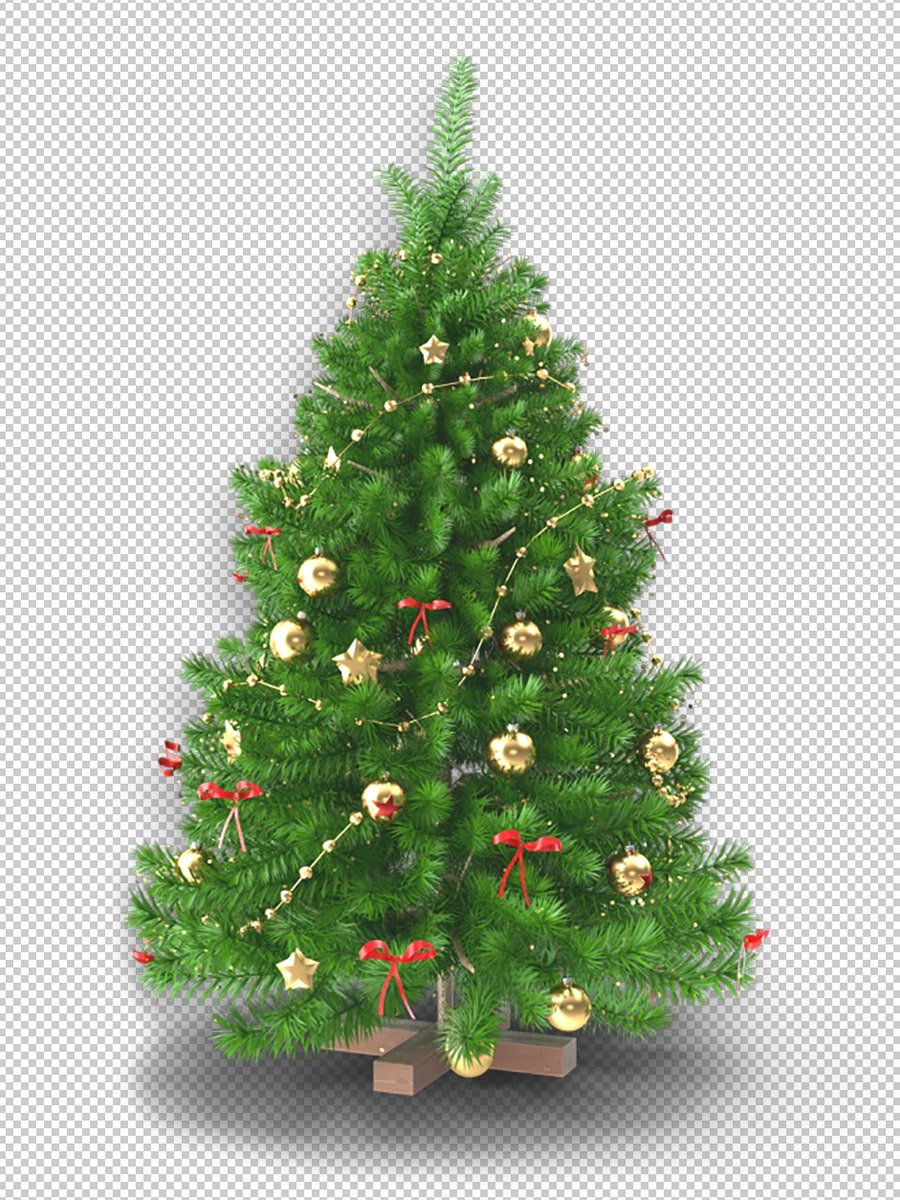
Working with glass, water, or sheer fabrics requires a delicate touch. Our Transparency Masking service preserves the see-through nature of the object while removing the background. We ensure that the light and color of your new backdrop realistically filter through the item for a convincing, high-end result.
Color Masking (Chroma Key)
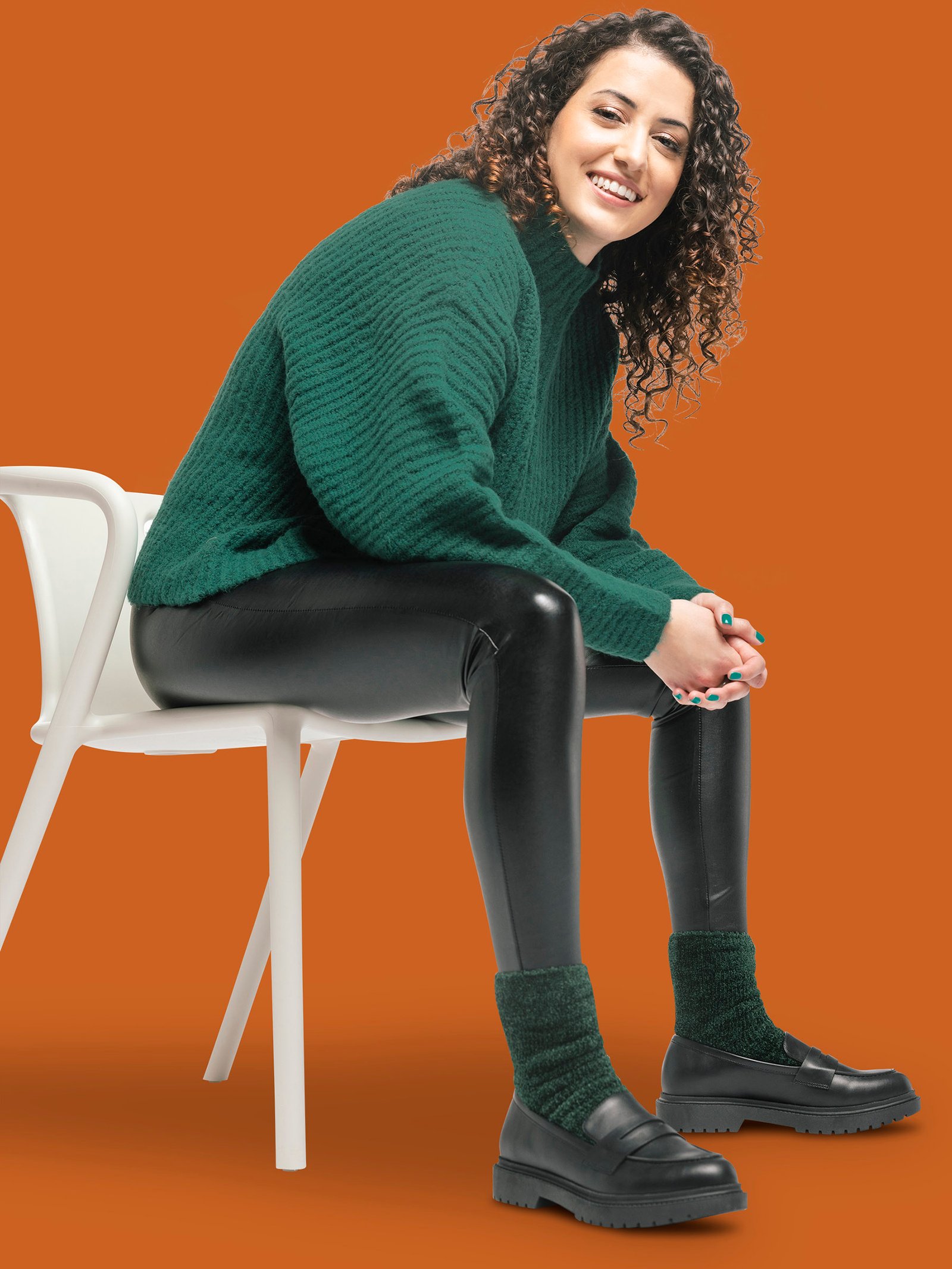
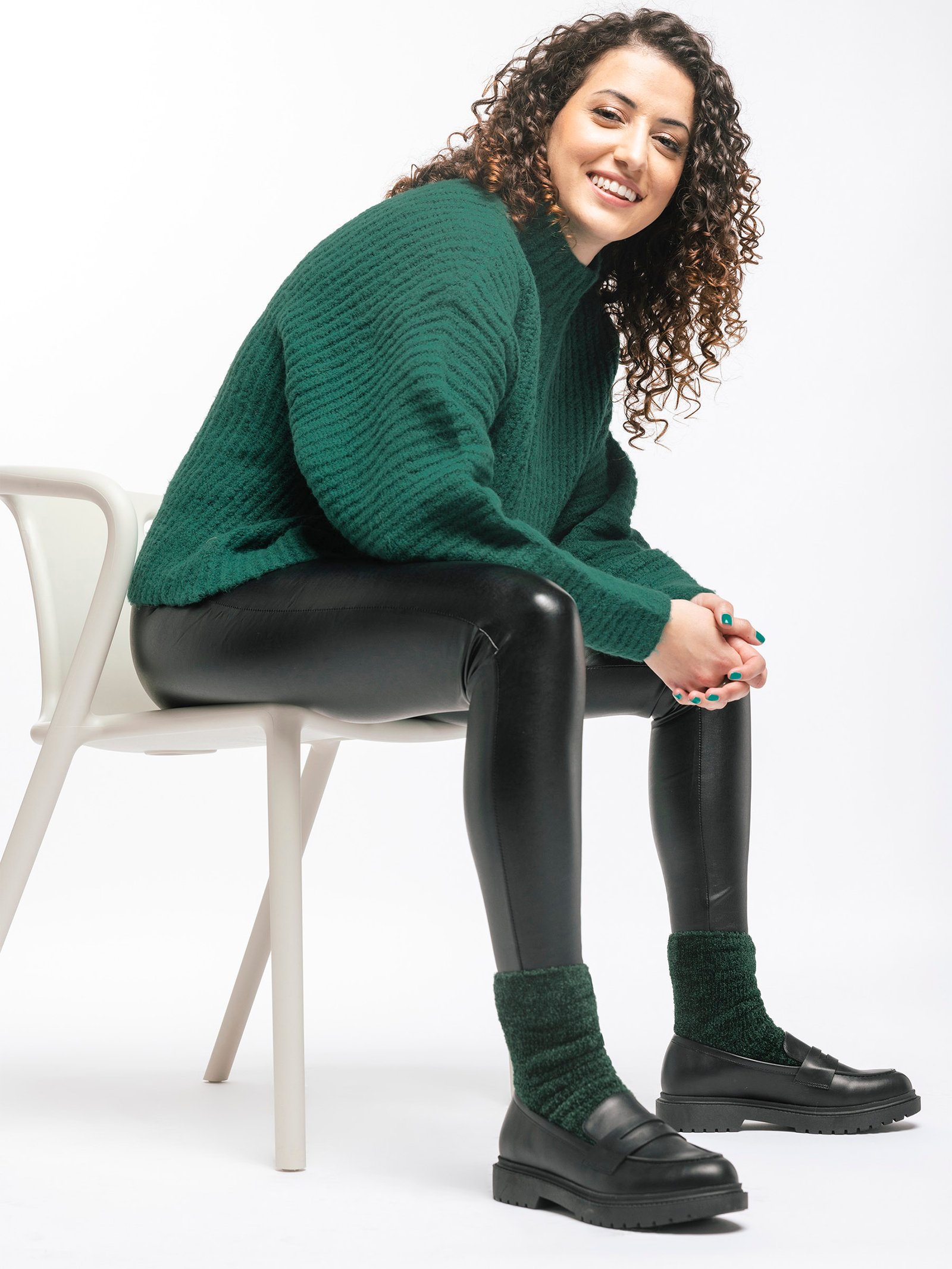
When you need to isolate specific colors or work with green-screen backgrounds, Color Masking is the most efficient choice. We meticulously select and remove color ranges to create clean cutouts. This is ideal for bulk e-commerce projects where speed and color consistency are the top priorities.
Refine Edge Masking
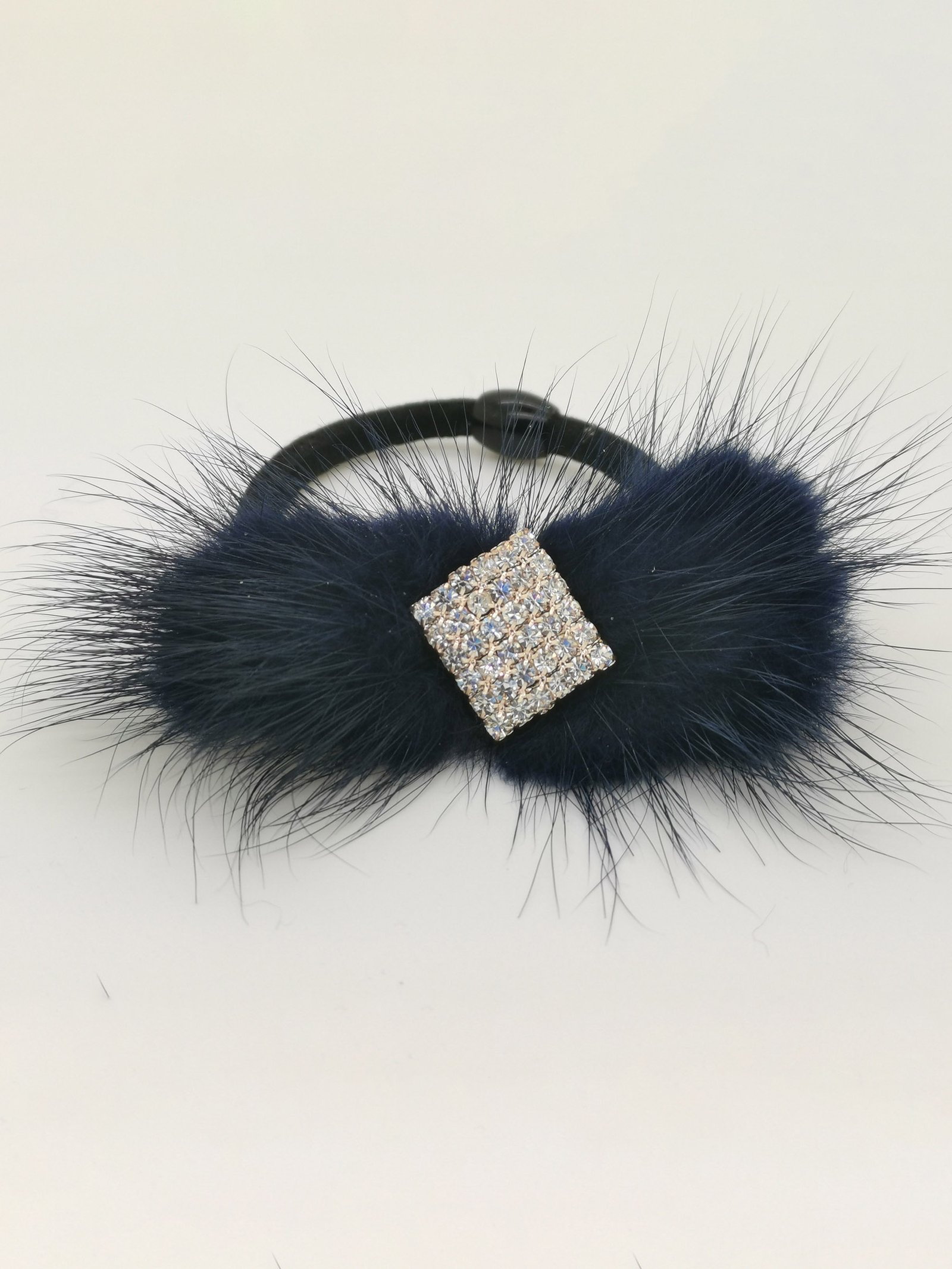
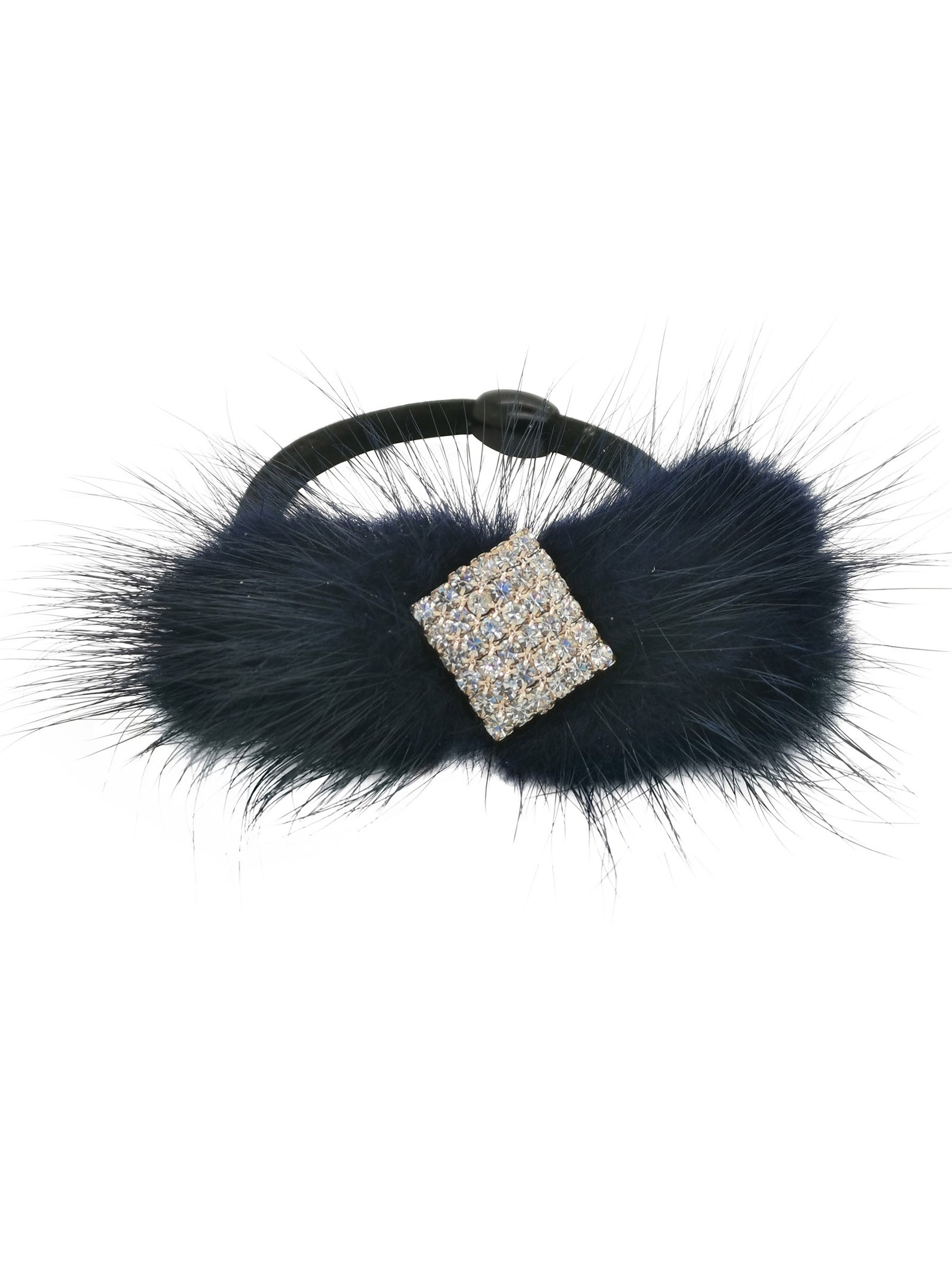
For objects that aren’t quite “fuzzy” but aren’t perfectly smooth either, we utilize Refine Edge Masking. This technique is perfect for clothing with slight fraying or soft-focus product photography. We balance sharpness with a soft transition, ensuring the object blends seamlessly into any new environment you choose.
Layer Masking
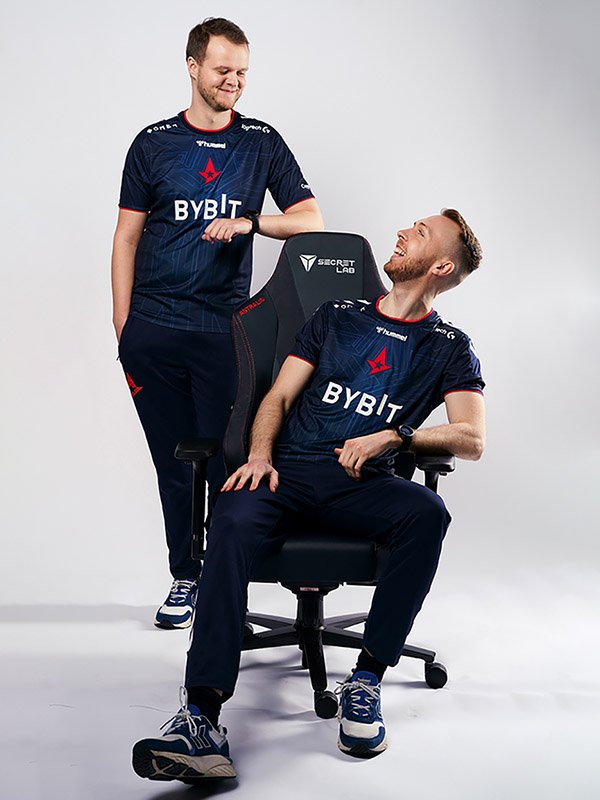
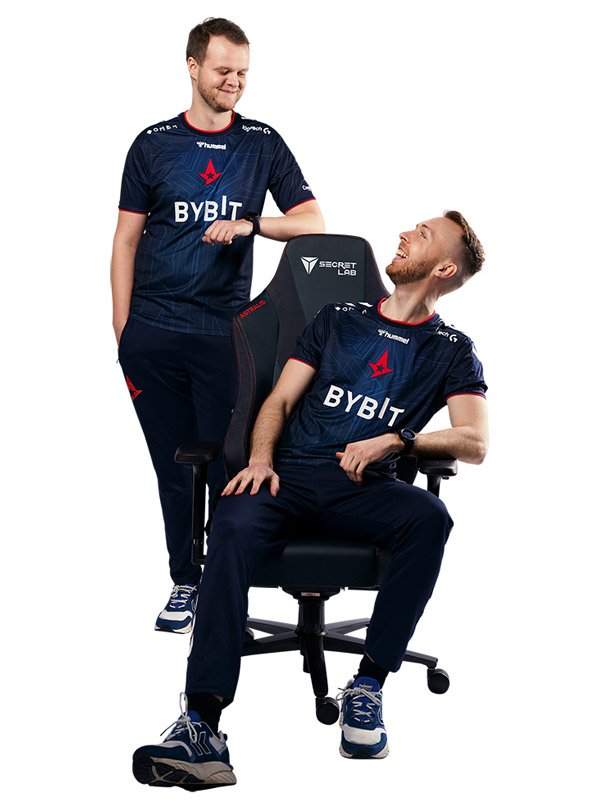
If you need non-destructive editing, Layer Masking allows us to hide or reveal portions of an image without deleting pixels. This provides maximum flexibility for your creative team, allowing for easy adjustments to shadows, highlights, and transparency levels at any stage of the design process.
Object Transparency Masking
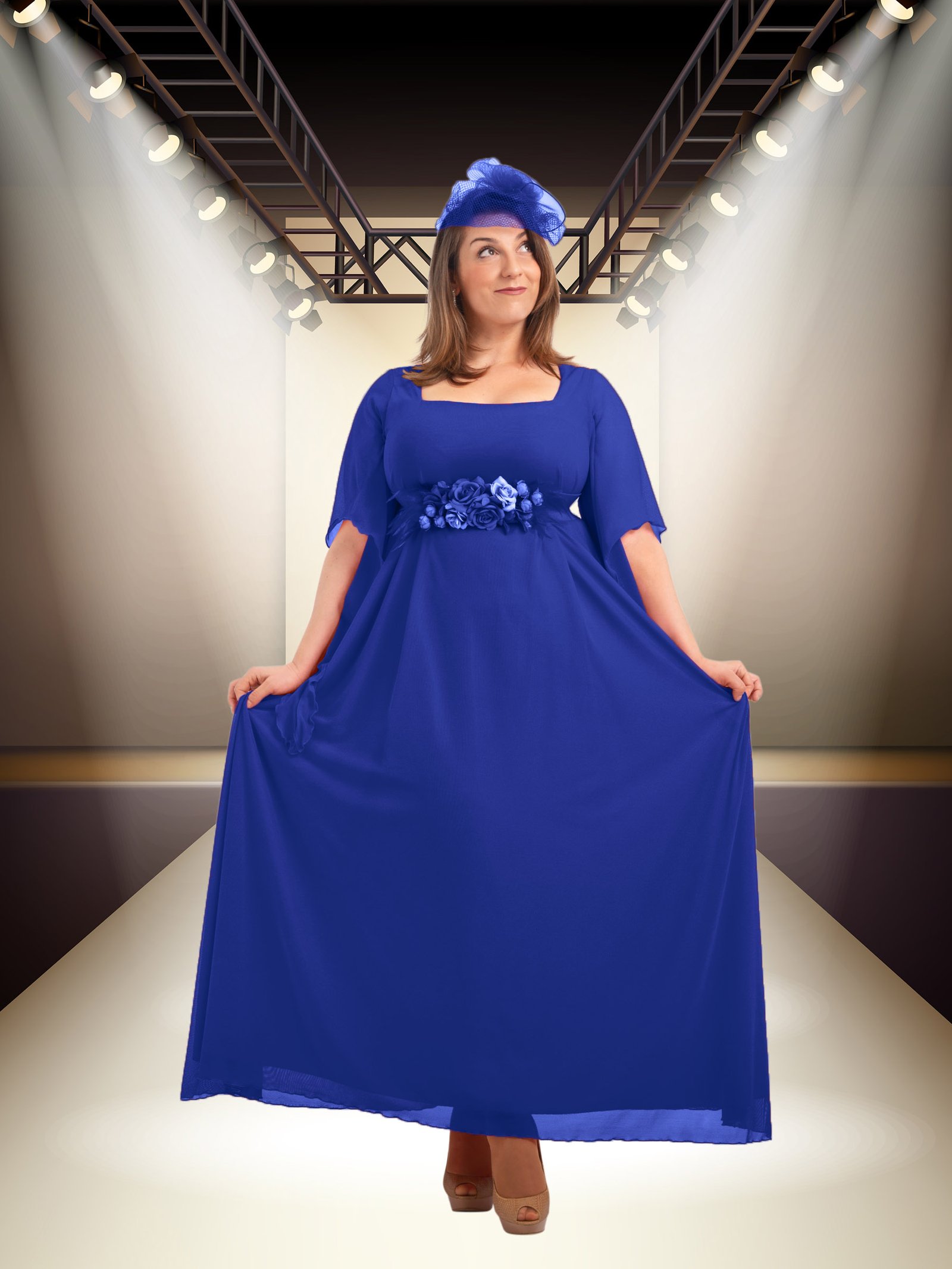
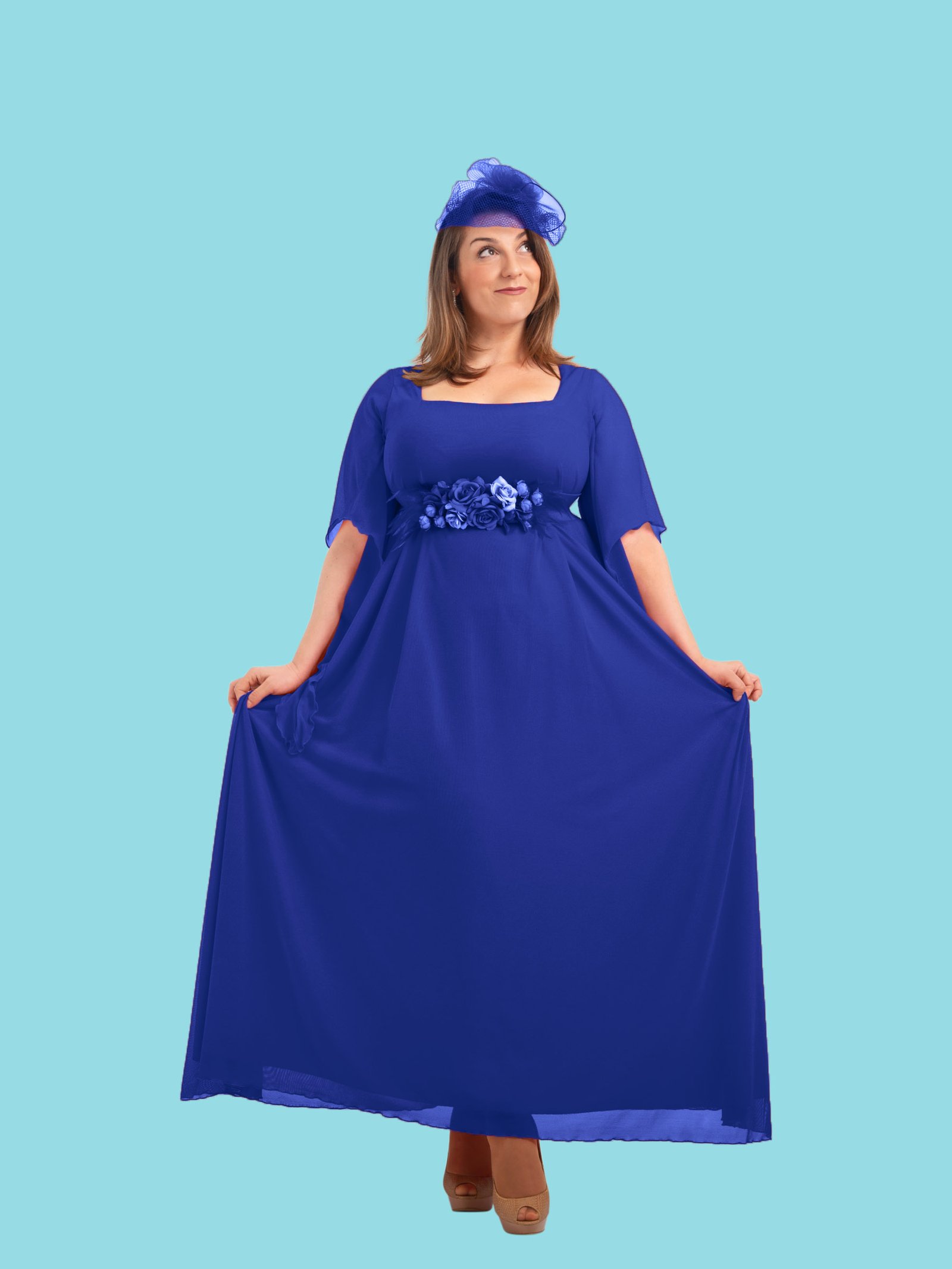
When dealing with sheer fabrics, smoke, or water droplets, Object Transparency Masking is essential. We maintain the original opacity levels of your subject, allowing the new background to peek through naturally. This ensures your composite images look realistic rather than digitally forced or opaque.
What is image masking?
Image masking is a professional photo editing technique used to isolate subjects with complex, soft, or irregular edges that a simple clipping path cannot accurately trace. Using Photoshop layer masks, channel masks, and refine-edge tools, our editors preserve every strand of hair, every wisp of fur, and every semi-transparent detail — while cleanly removing the background behind them.
Masking is the gold standard for fashion photography, portrait retouching, pet product photography, and any creative compositing work where edge quality makes or breaks the final image. At Graphics Anywhere, we apply the right masking technique for each image type — ensuring your subjects always look natural, no matter what background they are placed on.
Clipping path vs image masking — which do you need?
Both techniques isolate subjects from backgrounds, but they serve different purposes. Here is a quick guide to help you choose the right service.
Clipping path — best for
- Hard, well-defined edges
- Packaged products & electronics
- Shoes, bags & accessories
- Vehicles & industrial parts
- Jewelry on plain backgrounds
Image masking — best for
- Soft, complex, or irregular edges
- Hair & fur subjects
- Fashion models & portraits
- Translucent or wispy objects
- Creative compositing work
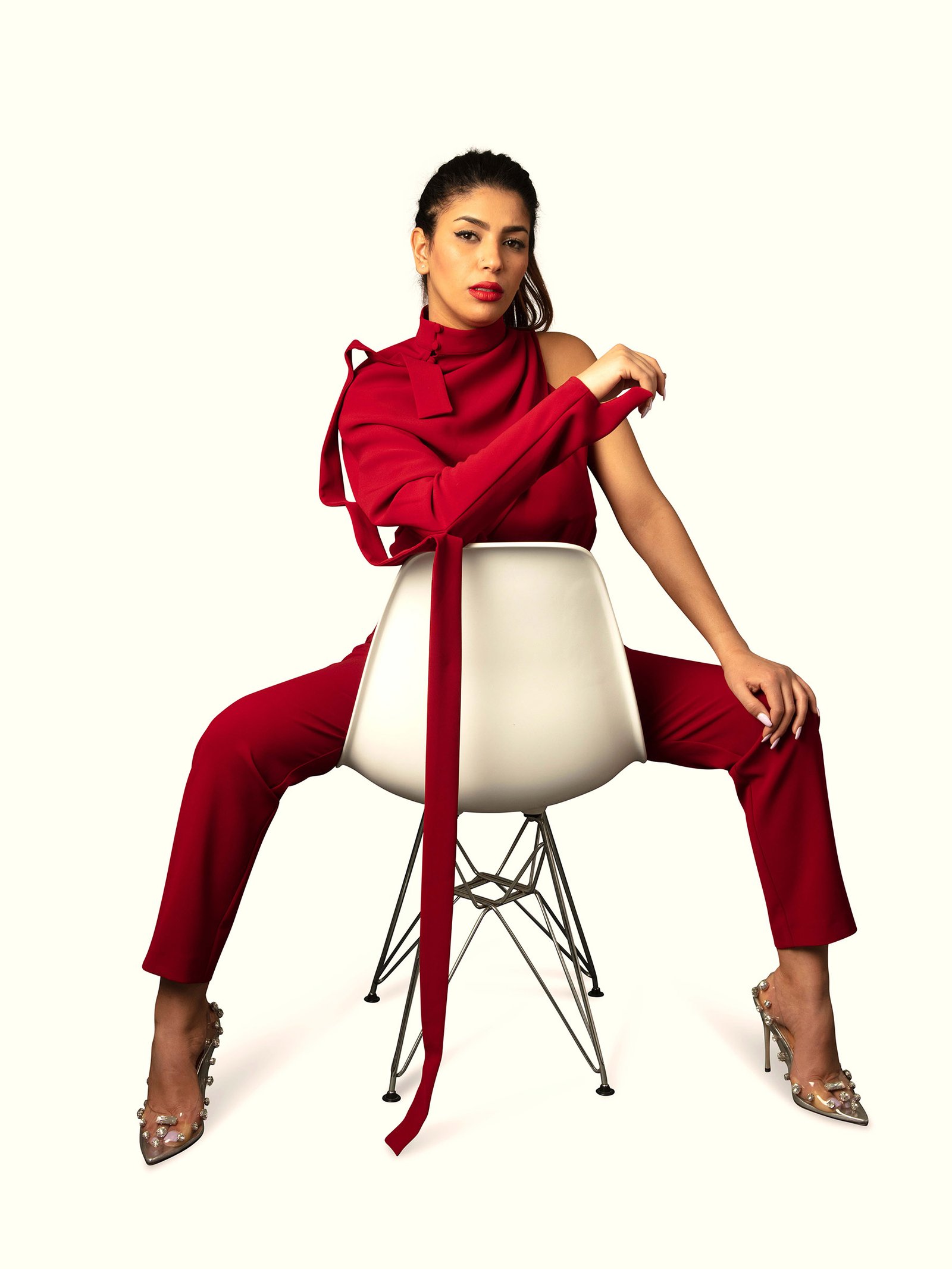
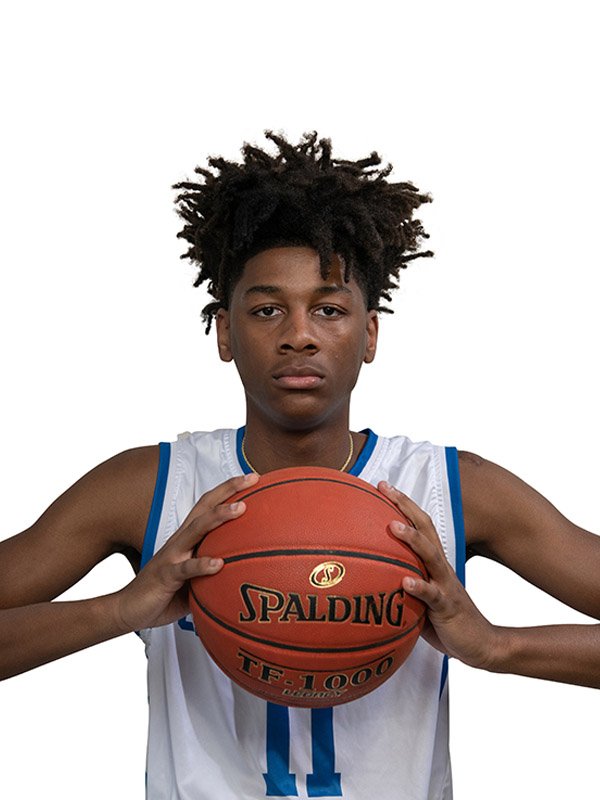
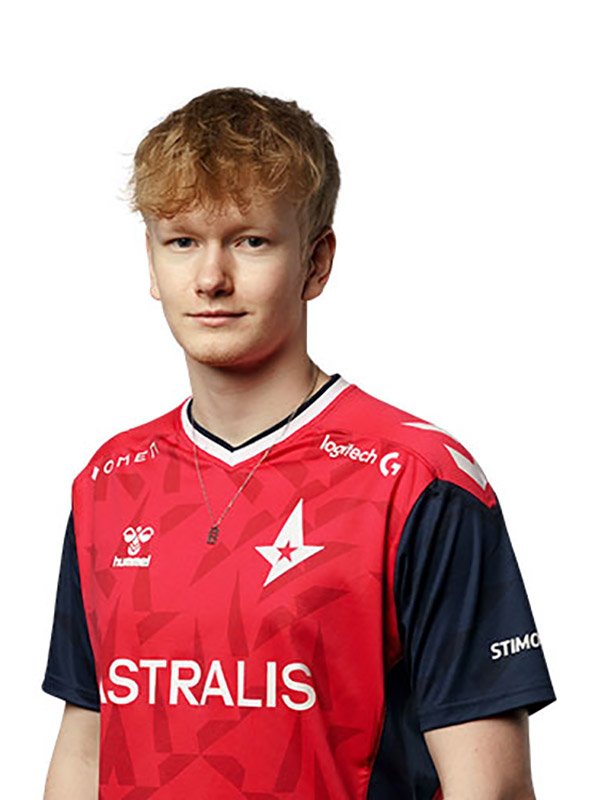
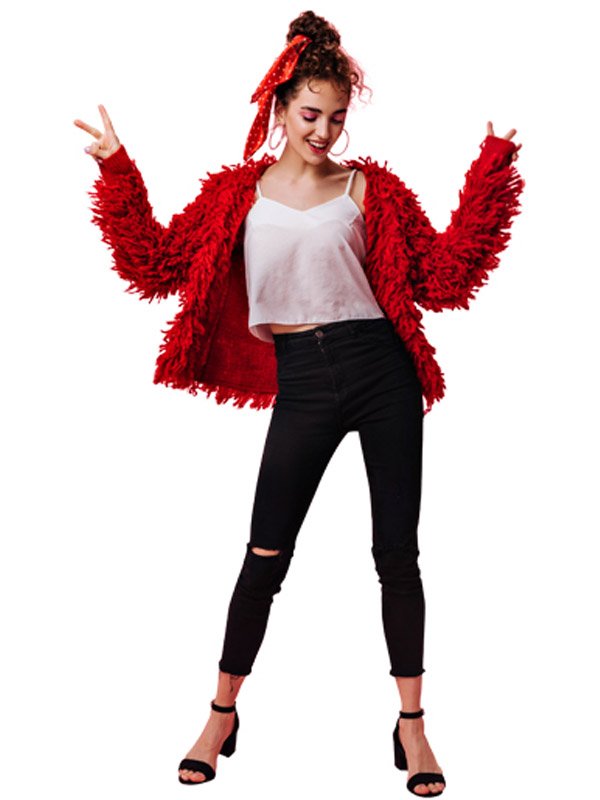
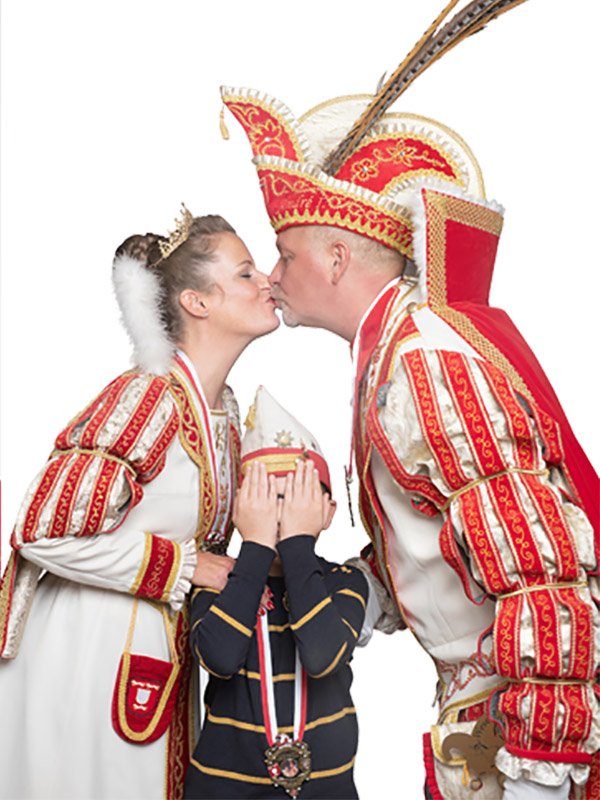
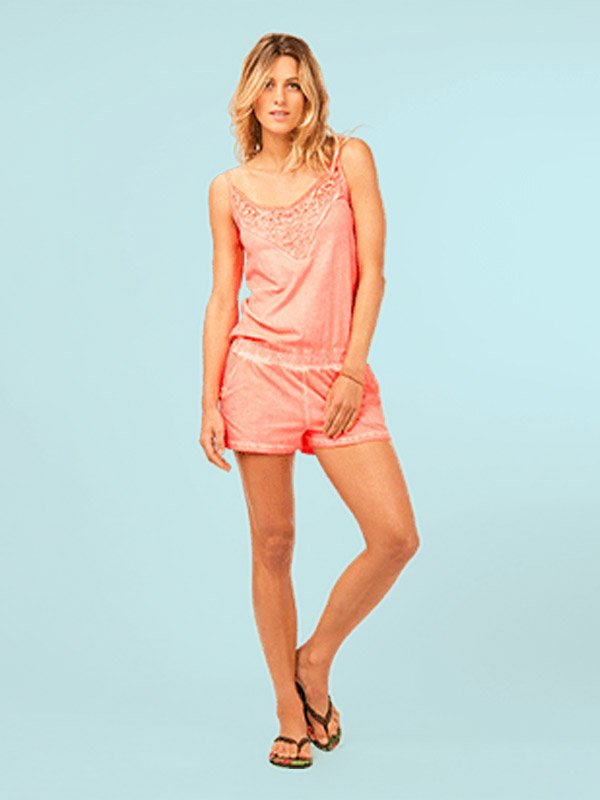
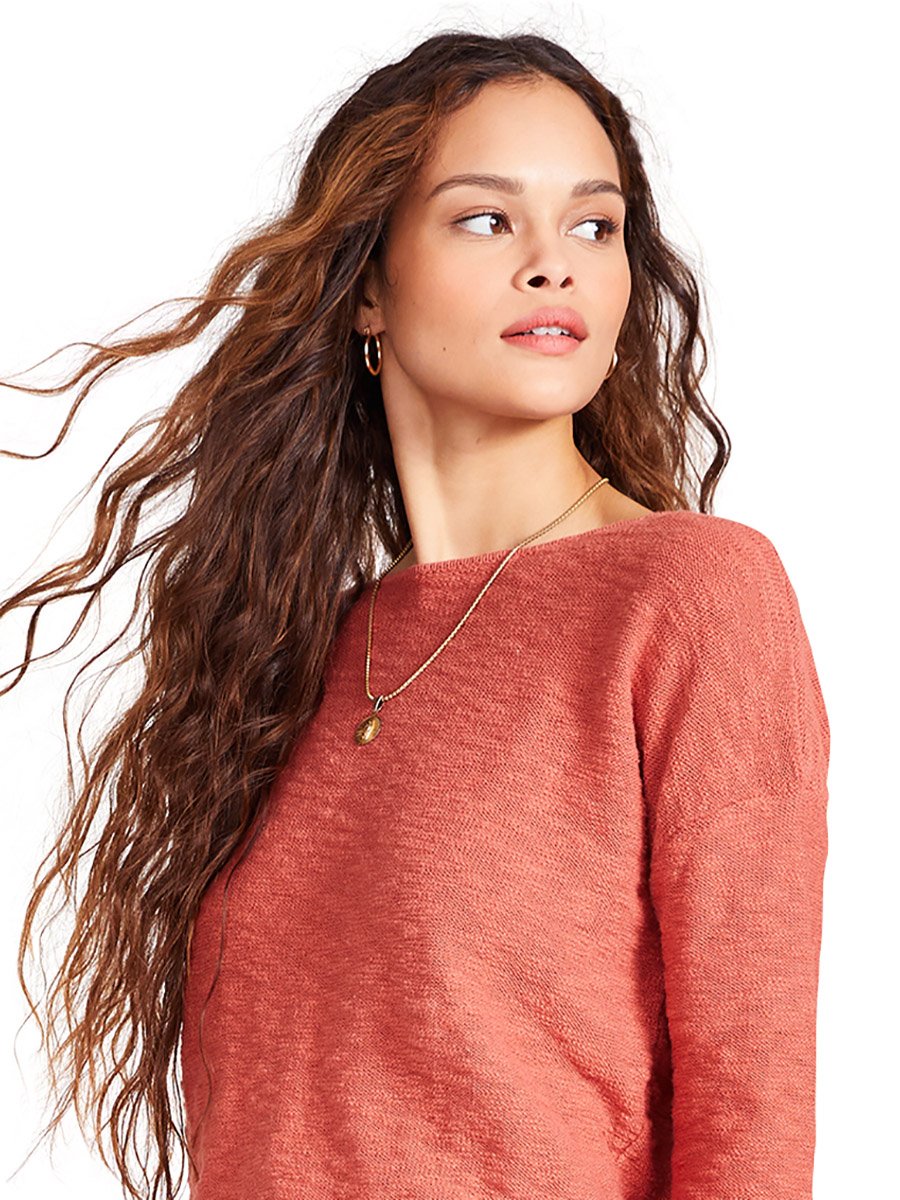
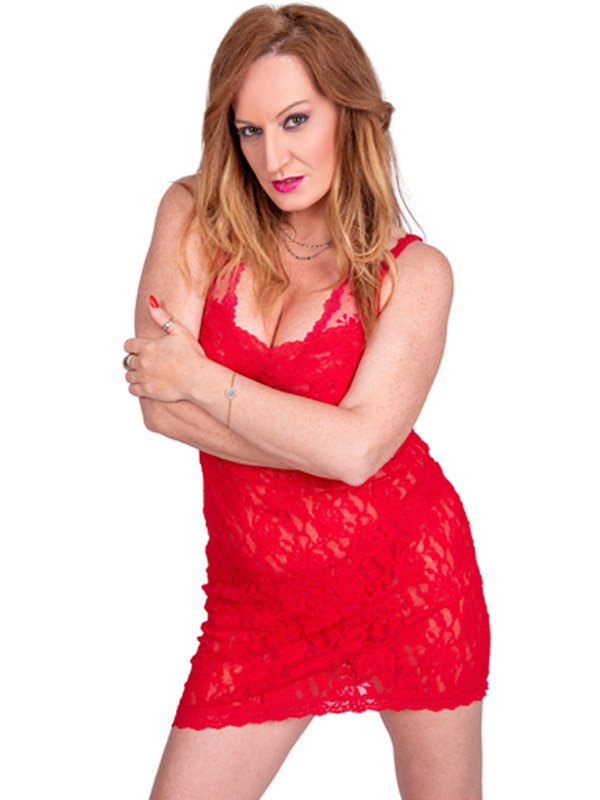
Showcasing Our Latest "Image Masking" Sample Image
FAQ
What is the difference between clipping path and image masking?
A clipping path uses a hard vector outline and works best on subjects with clean, defined edges like packaged products or shoes. Image masking uses Photoshop’s pixel-level tools to handle soft, complex edges like hair, fur, and transparent fabric — where a hard vector path would cut off detail and look unnatural.
Can you mask images with very fine or flyaway hair?
Yes — hair masking is one of our most requested services. We use channel masking and refine-edge techniques to preserve individual strands against any background. The quality of the result also depends on shooting conditions, so images shot on a contrasting studio backdrop give the cleanest results.
Do you deliver editable PSD files with the mask layer?
Yes. If you need the mask layer kept intact for your own editing, just request PSD delivery. We will provide the file with the Photoshop layer mask applied non-destructively so you can adjust or refine it further in-house.
Can you handle translucent or semi-transparent subjects?
Yes. Subjects like bridal veils, chiffon fabric, smoke, glass, and water require translucency masking — a specialized technique that preserves partial transparency rather than making edges fully opaque. This is essential for realistic compositing on new backgrounds.
How do I know if my images need masking or a clipping path?
Send us a sample image and we will assess it at no charge. As a rule: if the subject has soft, irregular, or semi-transparent edges — choose masking. If the subject has clean, hard edges — a clipping path is faster and more cost-effective.
What is your turnaround time for image masking?
Standard masking orders are delivered within 24 hours. Complex masking — such as dense hair against a busy background — may take slightly longer. For large batches, we agree on a delivery schedule before starting so you always know when to expect your files.
Is there a free trial available?
Yes. Send us up to 2 images and we will return them fully masked at no cost. This gives you a clear look at our edge quality and turnaround before placing a full order.
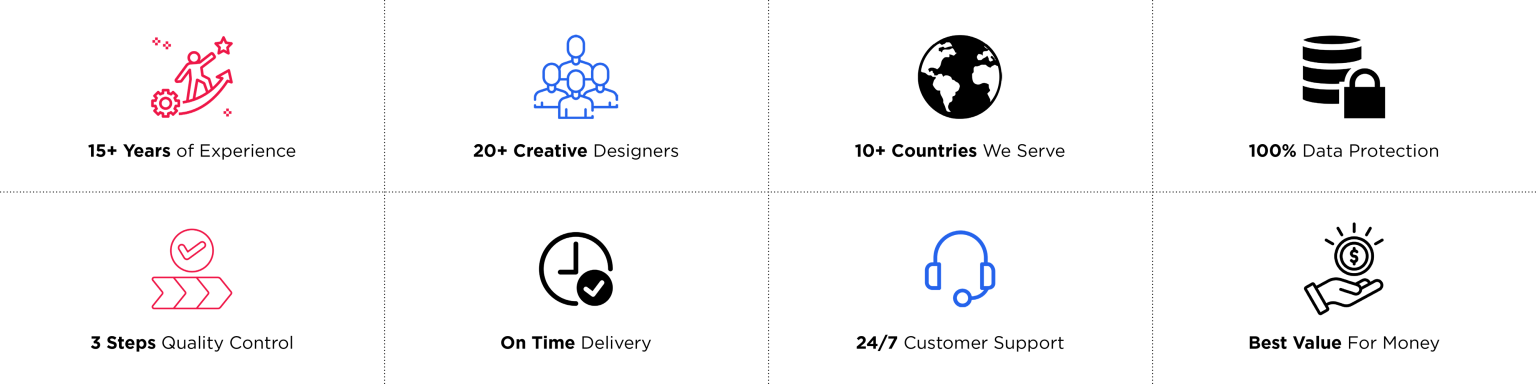
Why Choose Graphics Anywhere?
START YOUR FREE TRIAL
WITH US TODAY
The easiest way to experience our quality is by sending us a small test batch—up to 2 images. Our team will professionally edit and return them within 24 hours at no cost. This gives you a risk-free opportunity to evaluate our skills, consistency, and turnaround time before committing to a long-term partnership. We’re confident our results will meet your expectations and earn your trust.