Why Clipping Path Services Are Essential for Modern Businesses in 2026
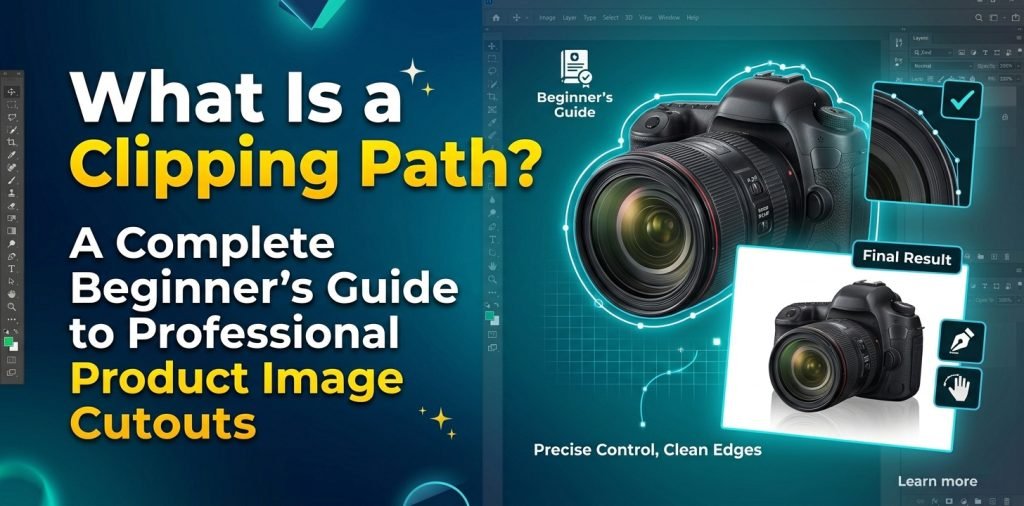
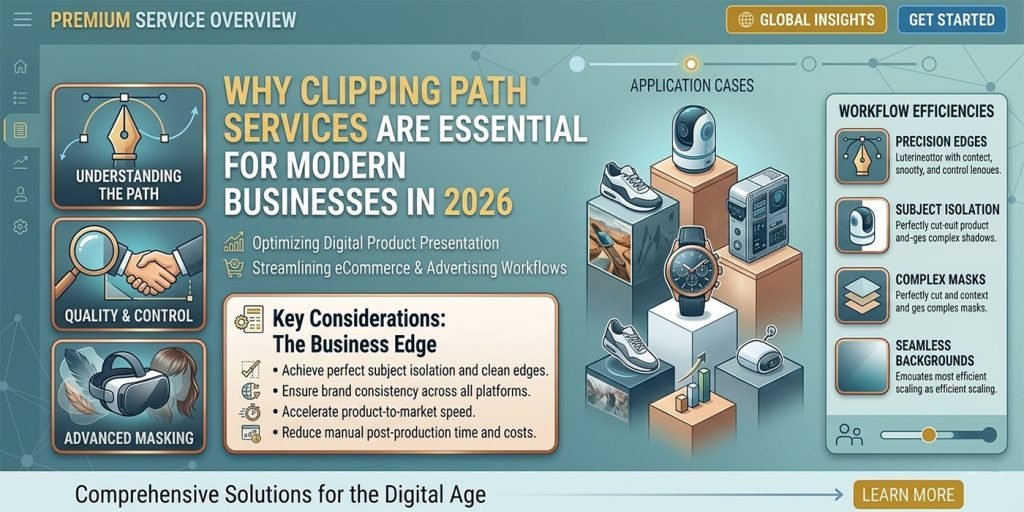
Discover how professional clipping path services can transform your product images, boost e-commerce sales, and improve visual quality across multiple industries. Learn the key applications and benefits of background removal and image optimization. The Power of Clipping Path Services: Elevating Your Business Visuals in the Digital Age In today’s highly competitive digital marketplace, high-quality product images are no longer optional — they are essential. Whether you run an e-commerce store, manage a fashion brand, or operate in the architecture and interior design sector, the way your products are presented can make or break customer trust and sales. One of the most powerful and widely used photo editing techniques behind flawless product visuals is the Clipping Path Service. Primarily created using Adobe Photoshop’s Pen Tool, clipping path is a precise background removal and image isolation technique that helps businesses present their products in the most professional and attractive way possible. What Exactly is a Clipping Path? A clipping path is a vector outline drawn around the subject of an image to separate it cleanly from its original background. Once the path is created, the background can be removed, changed, or made transparent. This technique allows photographers, e-commerce businesses, and graphic designers to create clean, polished images that perform better on websites, catalogs, advertisements, and social media. Why Businesses Need Professional Clipping Path Services Here are the most important ways clipping path services are being used across different industries today: 1. E-commerce & Online Retail Product images are the first interaction customers have with your items. A clean white background, consistent sizing, and professional presentation can significantly increase conversion rates. Clipping path services help remove distracting backgrounds and optimize images for faster website loading and better user experience. 2. Fashion & Garment Industry From clothing and accessories to footwear and leather products, clipping path helps eliminate unwanted elements like loose threads, wrinkles, or studio props. It ensures your garments look sharp, focused, and premium — exactly how customers expect to see them. 3. Jewelry, Watches & Ornaments Small, shiny, and intricately designed products require high precision. Simple to complex clipping paths allow jewelers and watch brands to highlight every detail while maintaining perfect edges and transparency where needed. 4. Electronics, Toys & Home Products Whether it’s smartphones, toys, kitchenware, or furniture, clipping path services help isolate products cleanly. This is especially useful for creating lifestyle images, comparison shots, or transparent PNGs for website mockups. 5. Advanced Color Correction Using multi-path (multiple clipping paths) techniques, editors can isolate different parts or colors of a single product. This enables precise color adjustments without affecting the rest of the image — a huge advantage for fashion, cosmetics, and interior design businesses. 6. Web Image Optimization Properly clipped and optimized images load faster, improve SEO, and provide a smoother browsing experience. Clipping path services play a vital role in resizing, cropping with proper padding, and preparing images for both desktop and mobile platforms. 7. Printing & Publishing Industry Magazines, catalogs, brochures, calendars, and newspapers still rely heavily on perfectly edited images. Clipping path ensures crisp, clean visuals that look professional in both digital and print formats. 8. Architecture, Interior Design & Complex Projects From intricate furniture and group product shots to fences, gates, trees, and building exteriors — super complex clipping paths handle the most challenging shapes, holes, and compound designs with precision. Choosing the Right Clipping Path Service Provider Not all clipping path work is the same. Different products require different levels of complexity: The key is to work with an experienced graphic design company that can deliver high-quality results within your budget and deadline. Final Thoughts In 2026, professional image editing is a smart investment, not an expense. Whether you want to boost online sales, improve brand perception, or prepare stunning visuals for print and digital campaigns, clipping path services remain one of the most effective and cost-efficient solutions. If you’re looking to take your product photography to the next level, investing in expert clipping path services can give you a clear competitive advantage. Would you like me to create a shorter version, make it more promotional, or add a call-to-action section for your service? I can also adjust the tone or length as needed.